Git & GitHub Complete Guide for Students: Master Version Control in Minutes
If you’re a computer science student, you’ve probably heard classmates casually mention “just push it to GitHub” or “did you commit your changes?” If you’re new to this world, it can feel like they’re speaking a different language.
Here’s the thing: Git and GitHub aren’t as intimidating as they seem. Once you understand the basics, you’ll wonder how you ever managed group projects without them. Let’s break this down into bite-sized pieces.
Git vs. GitHub: What’s the Actual Difference?
This confuses almost every beginner, so let’s nail it right away.
Git is a version control system that runs on your computer. Think of it as a super-powerful “undo” button combined with a detailed record of every change you’ve ever made to your project.
GitHub is a website that hosts your Git repositories online. It’s where you store your code in the cloud, collaborate with teammates, and showcase projects to recruiters or professors.
Simple way to remember it: Git is the tool, GitHub is the platform. You could use Git without GitHub, but GitHub without Git wouldn’t make sense.
Why Should You Actually Care?
Still wondering why you need this instead of just saving files? Here’s why it matters for students:
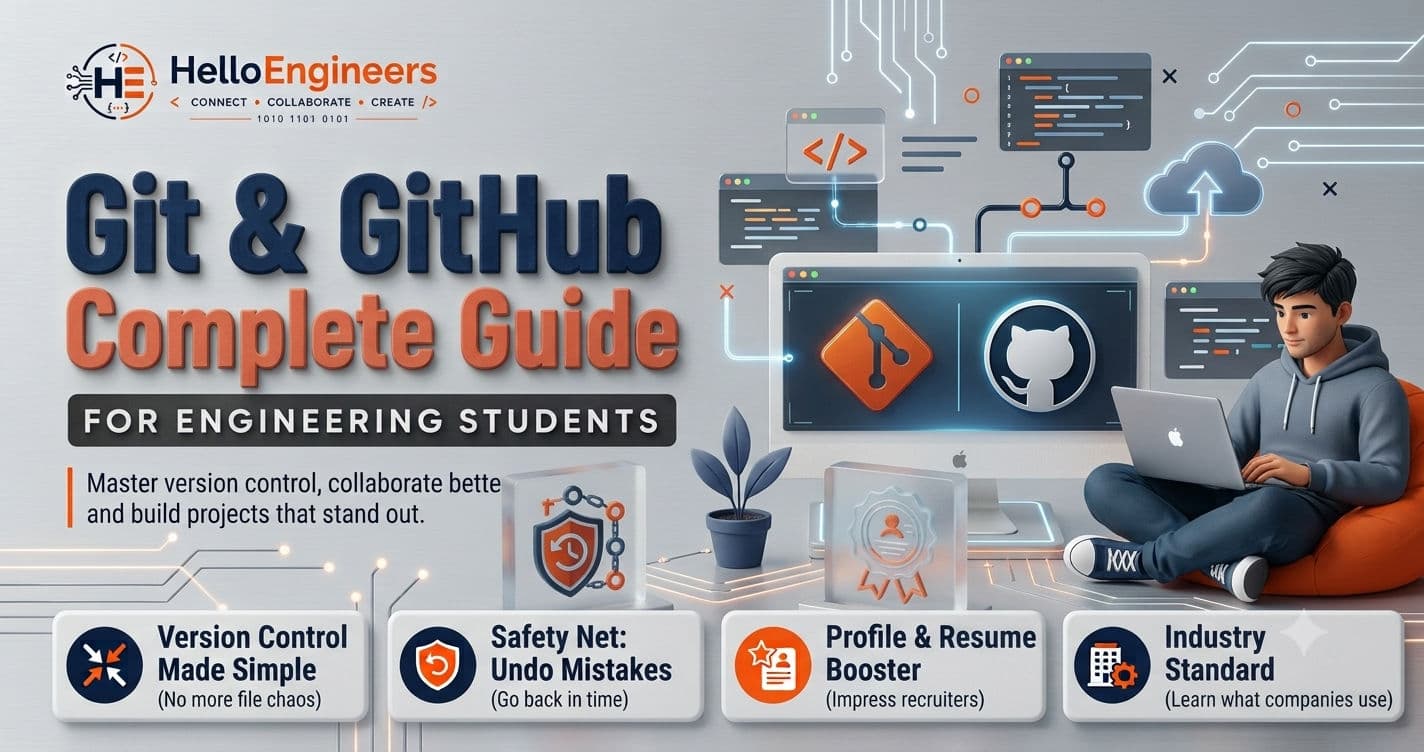
• Group projects become manageable. No more “final_project_v3_REAL_FINAL.zip” chaos over WhatsApp. Everyone works on the same code without overwriting each other.
• You have a safety net. Delete half your code at 2 AM? Git lets you go back in time.
• Your GitHub profile is your resume. Recruiters check GitHub before interviews. A few solid projects can speak louder than your CV.
• It’s what companies actually use. Every tech company uses Git. Learning now means one less thing to stress about during internships.
Quick Installation
You need Git on your machine first.
• Windows: Download from git-scm.com and run the installer.
• Mac: Open Terminal, type git --version. If missing, your system will prompt you to install it.

• Linux: Most come with Git pre-installed. If not, run sudo apt install git.
Then set your identity:
git config --global user.name "Your Name"
git config --global user.email "your.email@example.com"
Core Concepts You Actually Need
Repository: A folder Git is tracking. Contains your files plus a hidden .git folder with all the history.
Commit: A snapshot of your project at one moment. You create commits with messages describing what you changed.
Branch: A parallel version of your code. Lets you work on new features without touching the stable main code.
Staging Area: Where changes wait before becoming a commit. Lets you choose exactly what gets included.
Push/Pull: Push sends your commits to GitHub. Pull downloads changes from GitHub to your computer.
Commands You’ll Actually Use
You don’t need to memorize 50 commands. These 6 handle 90% of what you’ll do:
git clone [url] # Copy a repo to your computer
git add . # Stage all your changes
git commit -m "message" # Save a snapshot with a description
git push # Upload to GitHub
git pull # Download from GitHub
git branch [name] # Create a new branch
Your daily workflow will look like this:
git add .
git commit -m "Added login feature"
git push
Done. You’re a Git user now.
Your First GitHub Repo in 5 Steps
1. Sign up for free at github.com
2. Click “+” and select “New repository”
3. Give it a name and add a description
4. Check “Initialize with README”
5. Connect it to your computer:
git remote add origin [your-repo-url]
git push -u origin main
Now every git push sends your work to GitHub.
Common Mistakes (Don’t Do These)
• Vague commit messages like “fixed stuff” — be specific, future you will thank you
• Working only on the main branch — create feature branches instead
• Forgetting .gitignore — this file prevents accidental uploads of build files, credentials, or node_modules
• Not pulling before pushing — always pull first to avoid conflicts
Make Your GitHub Profile Count
If you want recruiters to notice:
• Pin your best 3-6 projects to your profile
• Write clear README files for each project
• Commit regularly, not in one giant dump at the end
• Contribute to open-source if you can
• Keep your profile picture and bio professional
The Bottom Line
Git and GitHub aren’t one-time semester tools — they’re part of how every developer works. Start using them in your next assignment. Make meaningful commits. Push regularly. Within a few weeks, these commands will feel natural, and you’ll be way ahead of most of your classmates.
Ready to start? Create that first repository today. You’ve got this.
Frequently Asked Questions (FAQs)
1. Is Git difficult for beginners?
No. The basics can be learned in a few days with regular practice. Most beginners become comfortable after using Git in a couple of small projects.
2. What's the difference between Git and GitHub?
Git is a version control system that tracks changes in your code, while GitHub is an online platform used to host and share Git repositories.
3. Do I need GitHub if I already have Git?
Not necessarily. Git works on your local computer. GitHub is useful when you want to back up your code online, collaborate with others, or showcase projects.
4. Can non-CSE engineering students learn Git?
Yes. Students from any engineering branch who write code or work on technical projects can benefit from learning Git and GitHub.
5. Does GitHub help during placements?
A strong GitHub profile can complement your resume by showcasing projects, coding activity, and collaboration skills. It supports your profile but does not replace technical knowledge or interview performance.
6. How long does it take to learn Git?
You can learn the basics in a few days. Becoming comfortable with branching, merging, and collaboration usually takes a few weeks of hands-on practice.